
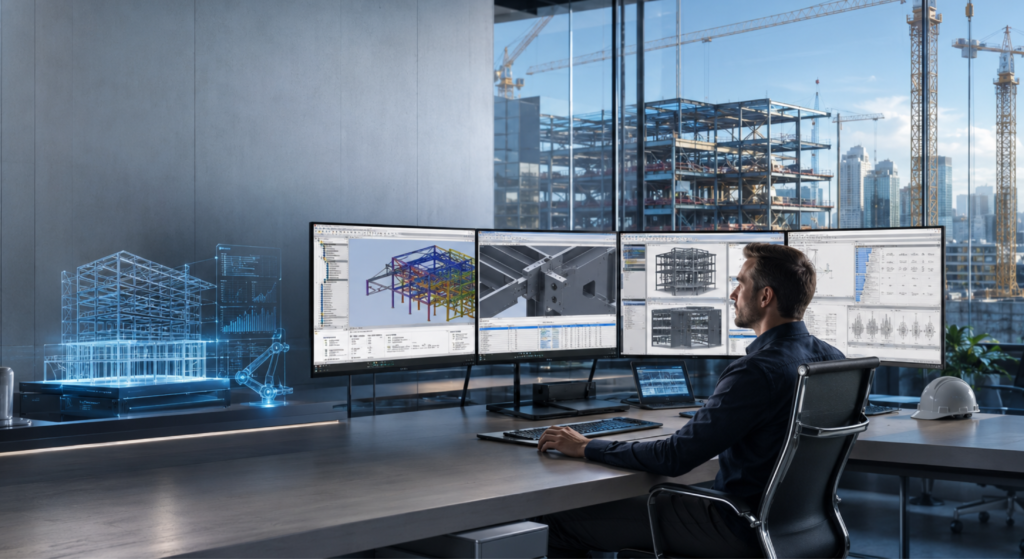
Top 10 New Features in Tekla Structures 2026 are really useful for engineers and steel detailers and BIM professionals. They can work faster and smarter and more efficiently on construction projects with Tekla Structures 2026.
Tekla Structures 2026 has advanced BIM tools and improved automation and better cloud collaboration and enhanced detailing features.
These features in Tekla Structures 2026 help reduce the work that people have to do and make projects more accurate.
With Tekla Structures 2026 people can make designs. Then get them fabricated more easily which makes it easier for teams to work together on construction projects and makes the whole process more productive, with Tekla Structures 2026.
1. AI-Powered Drawing Automation
One of the biggest highlights of Tekla Structures 2026 is the upgraded AI Cloud Fabrication Drawings service. The software now uses improved AI models to suggest the best drawing templates automatically.
Key improvements include:
- AI-assisted template matching
- Better cloning and associativity
- Faster fabrication drawing creation
- Human-in-the-loop AI corrections
This significantly reduces repetitive detailing work and improves drawing consistency.
2. Trimble Assistant with AI Support
Tekla 2026 introduces the new Trimble Assistant, an AI-powered support tool integrated directly into the software.
Features include:
- Instant workflow guidance
- Smart troubleshooting assistance
- AI-based coding support for developers
- Natural language interaction with models
This helps beginners and professionals solve problems faster without leaving the software environment.
3. Simultaneous Model and Drawing Editing
A major workflow enhancement in Tekla 2026 is the ability to edit models and general arrangement drawings simultaneously.
Benefits:
- Real-time updates between model and drawing
- Easier navigation between objects
- Faster detailing workflows
- Improved drawing accuracy
This feature saves time and minimizes coordination errors during project execution.
4. Improved 2D Drawing & Sketching Tools
Tekla Structures 2026 introduces a redesigned drawing ribbon with easier access to detailing tools.
New capabilities include:
- Advanced sketching tools
- Improved annotation system
- Smart insulation commands
- Rich text project notes
These enhancements make drawing preparation faster and more intuitive for detailers and engineers.
5. Cloud-Based Project Settings Management
The new Project Settings Management Console allows teams to manage project settings through cloud environments.
Advantages:
- Shared project standards
- Easy collaboration
- Centralized configuration management
- Reduced setup errors
This feature improves BIM coordination across teams and project stakeholders.
6. Enhanced Trimble Connect Integration
Tekla 2026 provides deeper integration with for connected BIM workflows.
New connected workflow features include:
- Direct PDF drawing uploads
- Integrated property sets
- Improved live collaboration
- Better data synchronization
This creates a seamless connection between office, fabrication shop, and construction site.
7. New Clipboard Functionality
Copying and reusing model and drawing objects is now much easier with the new clipboard system.
Users can:
- Copy objects between models
- Reuse drawing elements
- Paste content across projects
- Improve workflow efficiency
This simple but powerful feature saves significant time on repetitive tasks.
8. Re-Engineered Bridge Creator
For bridge engineers, Tekla Structures 2026 introduces a completely rebuilt Bridge Creator.
Key updates:
- Native Tekla plug-in
- Faster processing
- Better curved alignment handling
- Improved automation tools
This feature simplifies complex bridge modeling workflows and improves performance on large infrastructure projects.
9. Advanced Rebar Detailing Improvements
Tekla 2026 enhances reinforcement detailing with better rebar set controls and drawing annotations.
New features include:
- Freeze rebar sets
- Improved rebar splitting
- Better annotation standards
- More stable rebar modeling
These improvements are especially useful for concrete and infrastructure projects.
10. Improved Interoperability with Other BIM Software
Tekla Structures 2026 improves interoperability with several major platforms, including:
IFC workflows
Tekla PowerFab integration
The new remote cloud connection workflows allow better data exchange and revision handling between teams and software platforms.
Why Tekla Structures 2026 Matters
Tekla Structures 2026 is more than just a software update. It represents the growing shift toward:
- AI-driven detailing
- Intelligent BIM workflows
- Cloud collaboration
- Automation in construction
The latest release focuses heavily on reducing manual effort, improving collaboration, and increasing project accuracy from design to fabrication.
Industry discussions on Reddit and BIM communities also show growing interest in Tekla automation, AI integration, workflow customization, and live data connectivity for structural projects.
Final Thoughts
Tekla Structures 2026 has some cool tools that use artificial intelligence. These tools make workflows smarter. Make it easier for people to work together on building projects. This means that engineers and construction workers can get their jobs done faster.
It does not matter what kind of project you are working on like a steel building or a bridge. The new Tekla update has tools that can help you finish your project quickly and accurately. You will make mistakes and have to do less work over again.
As technology for building information modeling keeps getting better it is an idea for civil engineers to learn how to use Tekla Structures 2026. If you learn Tekla Structures 2026 you will have a chance of doing well in your career in 2026 and after that. Tekla Structures 2026 is a tool, for structural professionals who want to stay ahead.