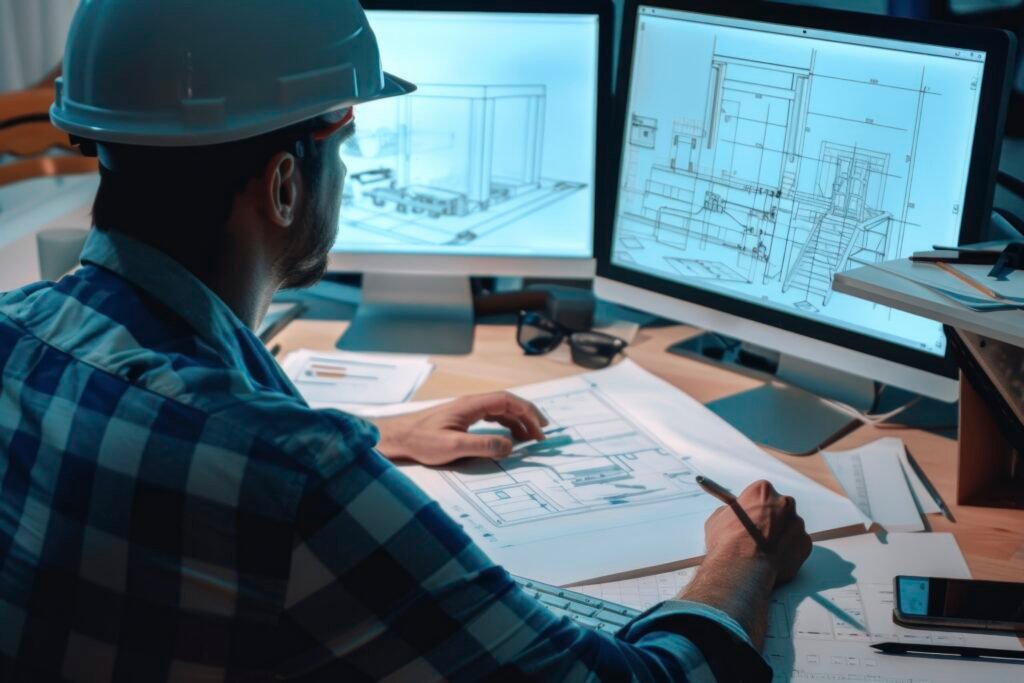
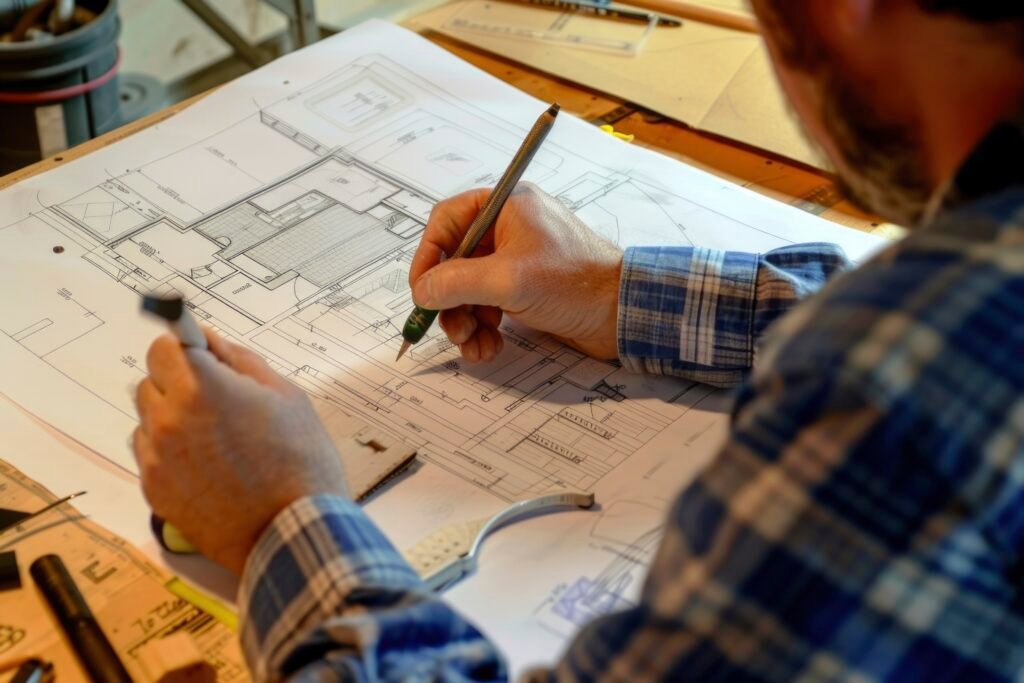
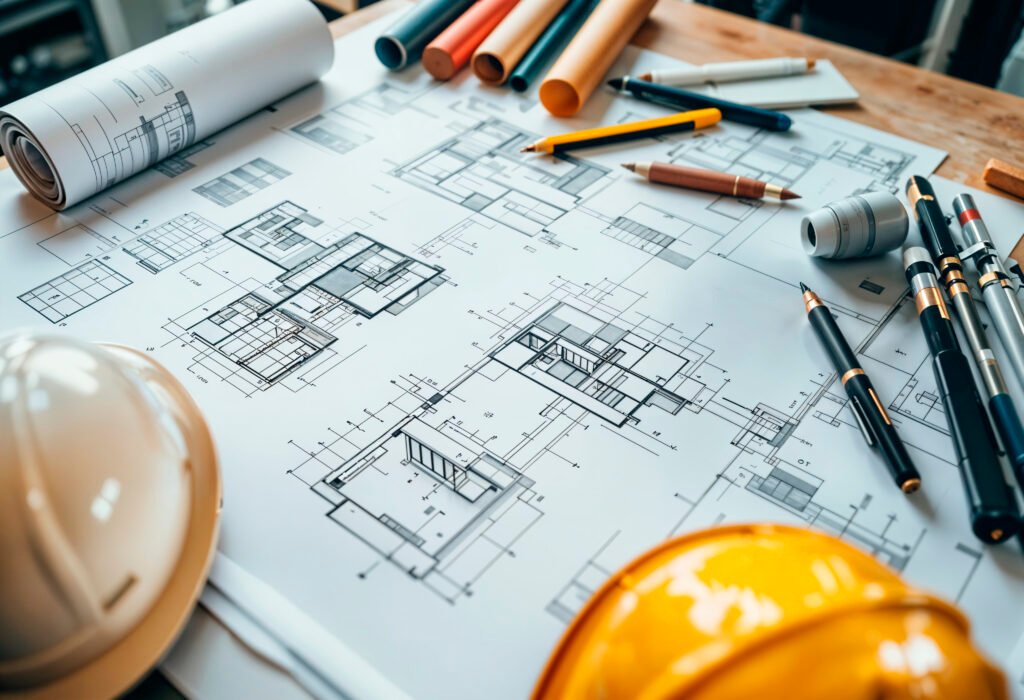
The Tekla Structures course at STPI provides a complete foundation in 3D structural modeling, detailing, and drawing creation. Students learn to model steel and concrete structures, generate accurate fabrication and assembly drawings, apply industry-standard materials and profiles, and produce professional reports like Bills of Materials (BOM). With hands-on training, you’ll master practical tools for plans, assembly diagrams, anchor bolt layouts, stairs, and handrails, ensuring you’re ready for real-world projects in construction and structural engineering.
Tekla Structures – Steel Basics introduces beginners to the core concepts of Tekla BIM and steel modeling.
Learn the fundamentals of Tekla Structures software, its interface, features, and applications in real-world structural projects.
Components of a Basic 3D Modeling System
Understand how Tekla creates accurate 3D structural models with essential components like beams, columns, slabs, and connections.
Interactive Construction and Modeling of Particular Parts
Gain hands-on experience in modeling different structural parts interactively with practical tools and commands.
Modeling Methods
Explore various techniques for creating accurate structural models, from simple components to complex structures.
Structural Materials and Profiles
Learn to apply industry-standard materials and profiles for steel, concrete, and composite structures in modeling.
Reports and Numbering
Master the use of automatic numbering systems and generate professional reports for project management.
Guidelines for Using Drawings
Understand the rules and best practices for preparing professional drawings from 3D models.
Making Detailed Sketches of Plans
Develop skills to create detailed 2D plans from models, ensuring precision in construction documentation.
Making Assembly Diagrams
Learn to generate assembly drawings for prefabrication and site execution.
Making Drawings That Are Only Parts
Create single-part drawings for fabrication, including accurate dimensions and welding details.
Making Plans Using Anchor Bolts
Learn to design and create accurate anchor bolt plans essential for construction foundations.
Multiple Illustrations and Multiple Digits
Use multiple view options and dimensioning methods to improve drawing clarity and accuracy.
Editing Handrails and Stairs Modeling, Control, and Drawing Management
Get hands-on training in modeling handrails and staircases, managing changes, and updating drawings effectively.
Taking Out the Bill of Materials (BOM)
Generate material lists, quantity take-offs, and fabrication-ready Bill of Materials directly from Tekla models.
Ready to Build Your Career?
Apply now for STPI’s Tekla training - gain practical skills, hands-on experience, and placement support for a successful career in structural engineering.
We offer an additional course free of cost to our students
Tekla Design
The Tekla Design course provides in-depth knowledge of using Tekla software for structural design and analysis. Students learn how to model different types of structures, apply design codes, and check structural stability under various loads. The course also focuses on integrating design directly with 3D models, allowing engineers to save time, reduce errors, and achieve efficient and accurate designs.
Tekla Tedds
Tekla Tedds is a calculation-based software that simplifies and automates structural engineering calculations. In this course, students master the process of designing beams, slabs, columns, foundations, retaining walls, and other structural elements with ready-to-use templates. The training also covers customizing calculations, ensuring compliance with international standards, and producing professional calculation reports for clients and projects.
Steel Detailer Training
The Steel Detailer Training course is designed to develop expertise in steel structure modeling and detailing. Students learn to create shop drawings, GA drawings, assembly drawings, and fabrication-ready part drawings. The course also covers connections, anchor bolts, handrails, and staircases, along with preparing Bills of Materials (BOMs). By the end of the program, learners gain the skills required to work as professional steel detailers in construction and fabrication industries worldwide.
Tekla Structural Designer
This course focuses on integrated structural analysis and design. Students learn how to design buildings using Tekla Structural Designer by applying loads, analyzing building performance, and designing structural members such as beams, slabs, columns, and foundations. The training emphasizes automation, real-time analysis, and seamless documentation, making it an essential skill for structural engineers aiming to work on medium to large-scale projects.